Improve the quality of your voice recordings
We fix the most common problems with voice recordings, then include transcripts, descriptions, and tags with every processed file so your content is ready for what’s next.
We fix the most common problems with voice recordings, then include transcripts, descriptions, and tags with every processed file so your content is ready for what’s next.
Every recording gets the same complete cleanup, with nothing to set: the Podsworth app removes background noise and plosives, levels dialogue, removes clicks and pops, and fixes clipping during processing.
This includes common distracting sounds like hiss, hum, buzz, ceiling fans, computer fans, traffic outside, etc. The Podsworth app gets rid of all these and more.
These are explosive low-frequency sounds, like P and B, caused by speaking into microphones too closely without a pop filter. The Podsworth app removes these, as well as most mic bumps and other unwanted low-frequency sounds.
The Podsworth app will reduce the dynamic range of a signal, so that the quietest sound is loud enough to hear and the loudest sound isn't too loud.
We also remove mouth clicks picked up by sensitive mics as well as unpleasant digital clicking and popping sounds caused by power issues, connection issues, & problems with devices.
Clipping is also fixed during processing. This is when you exceed the maximum gain (i.e. unity gain, i.e. 0 dB) that a given amplifier and/or recording device can handle. This introduces unpleasant sounding distortion into your audio recording.
One account for every show you make, with room for the people and the paperwork.
Invite people by email. Owners, admins, billing and members each get the access their job needs, and everyone orders with the team’s credits.
Pick the show when you order. Each one keeps its own settings and artwork, and API keys and webhooks can be limited to one show.
See the credits each show used, by day or by month, and download a spreadsheet for billing your shows.
Send each show’s cleaned files straight to a Google Drive or Dropbox folder, beside the download link and email.
Files are deleted after 30 days unless you keep them: a project kept for good costs 10% of its credits. Turn it on per order, per show or for the whole account.
Buy credits on a net-30 invoice, paid by bank transfer, ACH or card. Email us to set it up.
Speed up your workflow: get your cleaned recordings plus transcripts, descriptions, and tags back usually within minutes of submitting your order, and always within 3 hours.
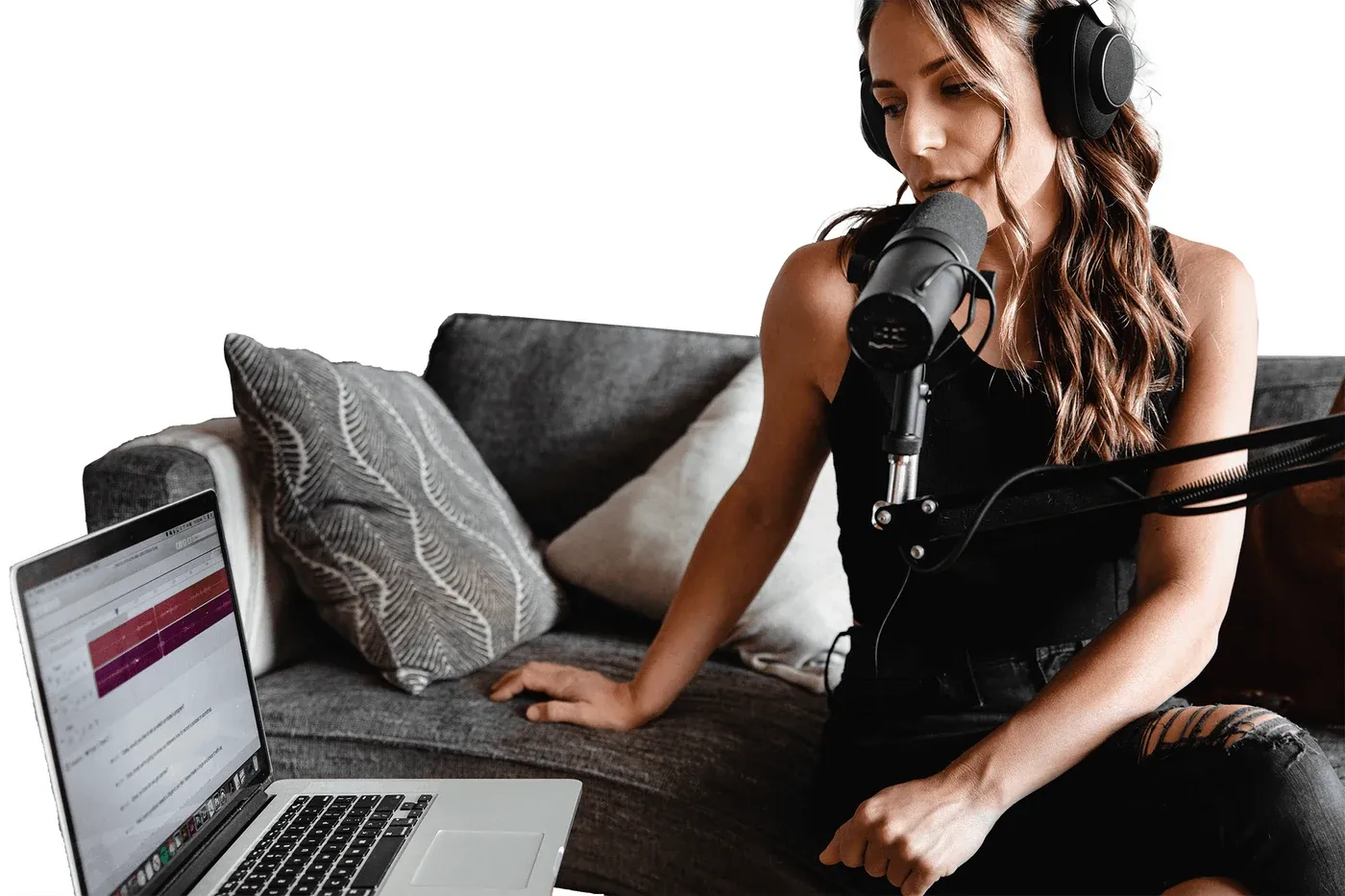
Upload up to 10 recordings at a time to knock out more cleanup faster.
The Podsworth app is fully automated and requires zero effort on your part.
No. Every file gets the same complete cleanup automatically: background noise, plosives, clicks and pops, clipping and leveling. Hear before-and-after examples on our Features page.
WAV files aren't compressed when recorded, so you capture the most audio information with this file format. In particular, WAV format at 16 bit, 44.1 kHz, is best if possible.
We accept MP3 and M4A files, but these are lossy formats, meaning lots of sound information is lost in order to lower the file size. The lower the bitrate of a file in a lossy format, the harder it is to fix problems with it.
Yes. Every processed file comes in two versions, each with its own transcript, at no extra cost and with nothing to switch on:
Yes, with an account. Connect Google Drive or Dropbox in your account settings and pick a folder. Choose it at checkout, or make it a show’s default, and each project’s files land in their own folder there when they’re ready, beside the download link and email you already get. Podsworth only adds files: it never opens what’s already in your Drive or Dropbox.